Cast web videos to your TV. Control any TV from your phone.
Clicker is a free universal TV remote, web video caster and screen mirroring app. No ads, no account, no sign-up.
Everything your TV needs, in one app
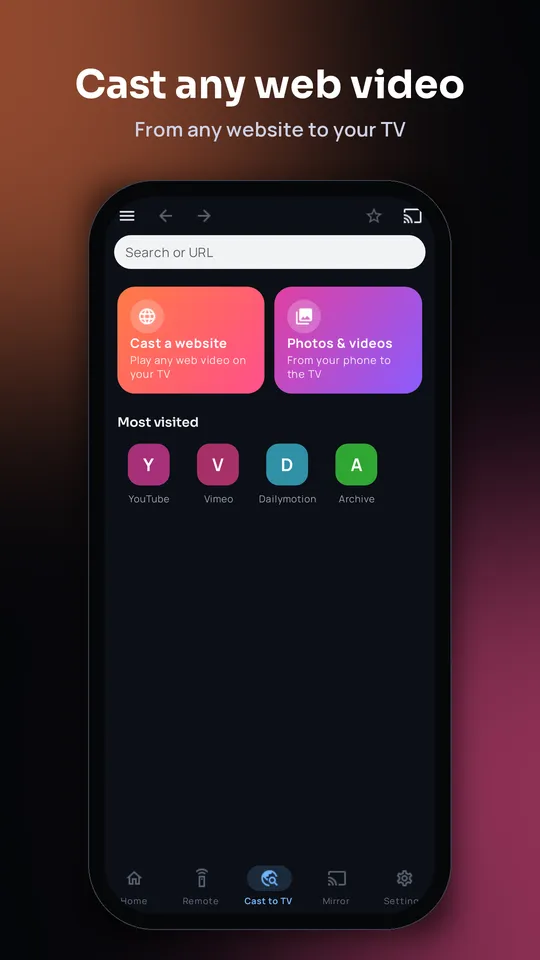
Cast web to TV
Open any website in the built-in browser, play a video and tap Cast. Movies, shows and live streams go from your phone's browser to the big screen.
Auto quality for your Wi-Fi, or choose 1080p, 720p or 480p. Ad and pop-up blocking built in.
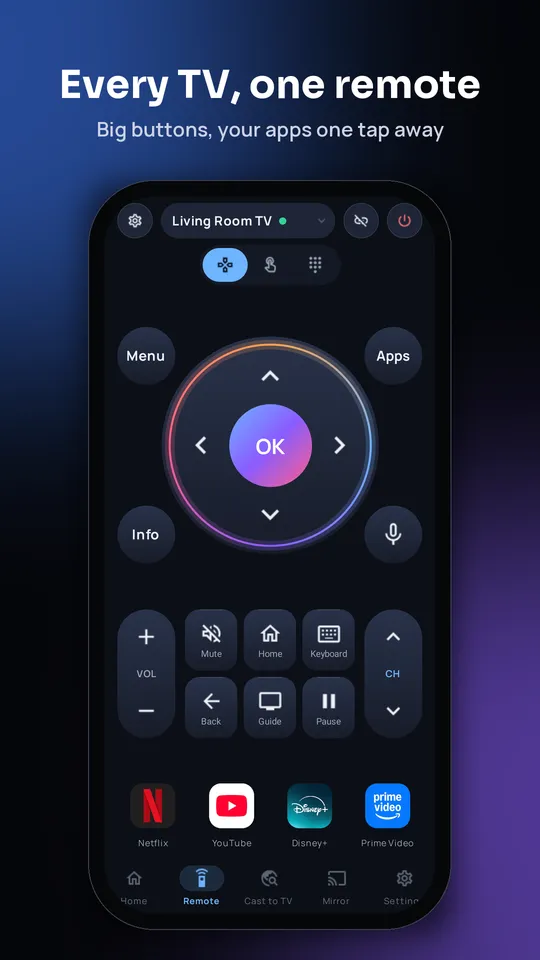
Universal TV remote
A TV remote control for any smart TV: big D-pad, volume, number pad, touchpad and your phone's keyboard for typing on the TV.
Lost the remote? Clicker finds your TV on Wi-Fi in seconds. Infrared (IR) remote for older TVs too.
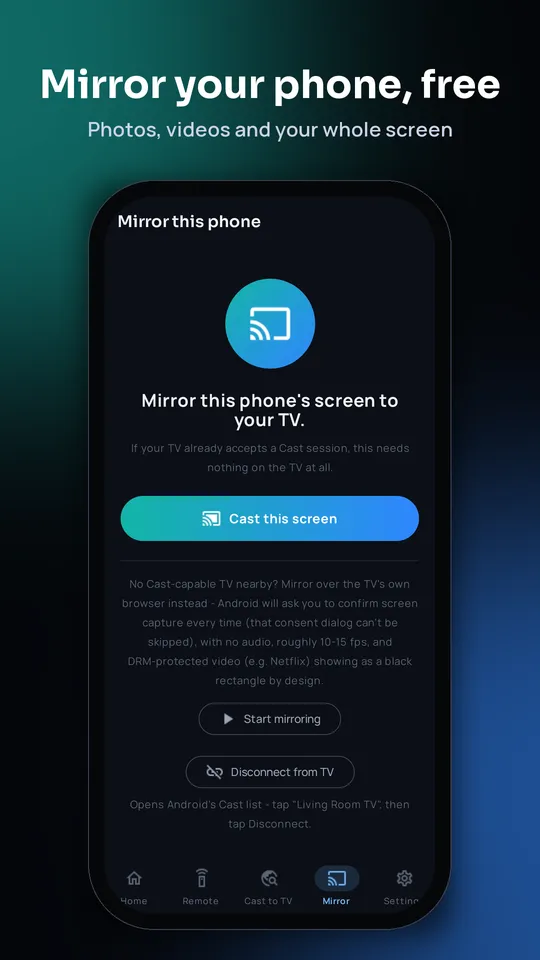
Screen mirroring
Mirror your phone screen to the TV, or cast your own photos, videos and music.
Listen through your phone with Phone audio while the picture plays on the TV.
Better viewing with Clicker Receiver
Have an Android TV or Google TV? Install the free Clicker Receiver on your TV for the smoothest casting:
- Plays more video formats, so streams that stall or won't load on a standard cast often play here.
- Picture size, playback speed, subtitles and audio tracks, all from your phone.
- Clicker opens it on your TV for you when you cast. Nothing to set up.
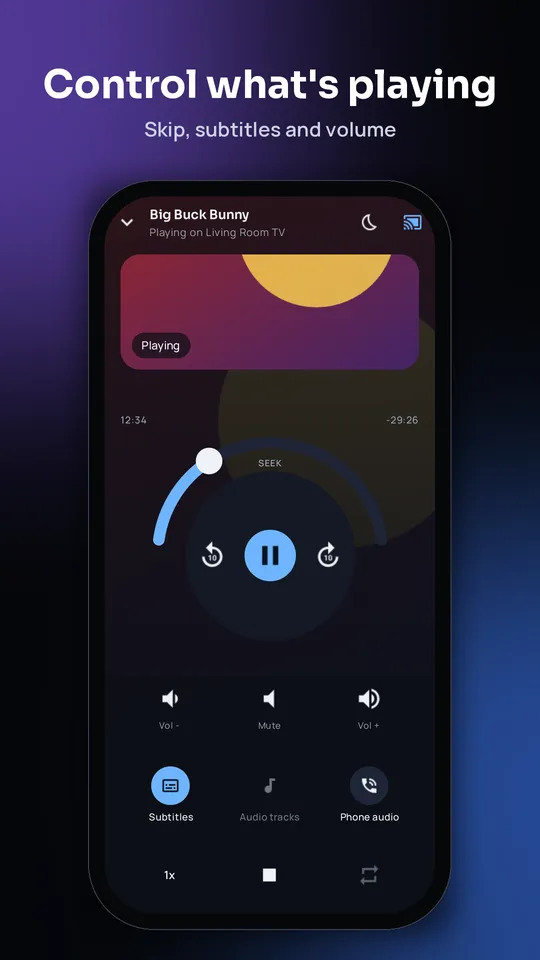
A full remote for what's playing
Play, pause, skip 10 seconds, volume, speed, subtitles, audio tracks, repeat and a sleep timer. Tap Browser to keep looking for the next video while the TV keeps playing.
How to cast a web video to your TV
- Put your phone and TV on the same Wi-Fi.
- Open Clicker and tap Cast to TV.
- Go to the website, play the video and tap Cast. Pick your TV.
Full guide: cast a website video to your TV · Control a Samsung TV without the remote
Works with
Android TV and Google TV, Samsung (Tizen), LG (webOS and older Netcast), Roku and Roku TVs, Amazon Fire TV and Fire Stick, Vizio, Chromecast, Philips, Panasonic, DLNA and DIAL smart TVs. Your phone and TV need to be on the same Wi-Fi.
Questions
How do I cast a web video to my TV?
Open Clicker, go to Cast to TV, open the website in the built-in browser, play the video and tap Cast. Your phone and TV must be on the same Wi-Fi.
Which TVs does Clicker work with?
Android TV and Google TV, Samsung, LG (webOS), Roku, Fire TV, Vizio, Chromecast, DLNA and DIAL TVs, and many older smart TVs. TVs without Wi-Fi work with the infrared remote on phones that have an IR blaster.
Is Clicker free? Does it have ads?
Clicker is free with no ads and no account. You can leave an optional tip to support it.
Why install Clicker Receiver on my TV?
On Android TV and Google TV, Clicker Receiver plays more video formats than a standard cast, so streams that stall or won't load often play smoothly. It also gives you picture size, playback speed, subtitles and audio tracks from your phone, and Clicker opens it for you when you cast.
Can I use my phone as a TV remote without the original remote?
Yes. Clicker finds your TV on Wi-Fi and gives you a D-pad, volume, number pad, touchpad and keyboard, so you can control the TV without its remote.